The note writes itself. You stay the clinician.
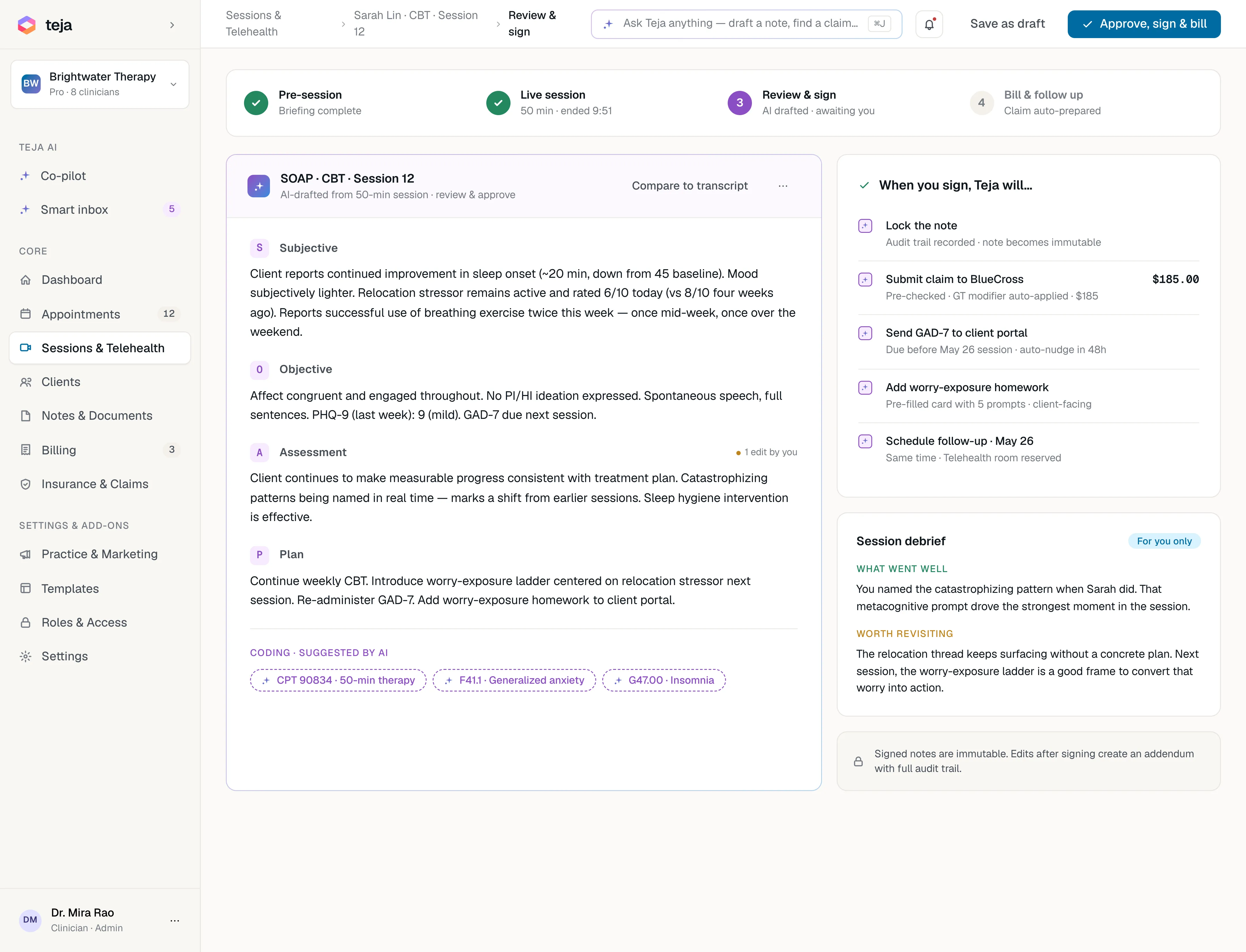
Turn it on and forget it's there. Readya transcribes both voices, separates them, and drafts a structured note in the format you already use — SOAP, DAP or BIRP. The transcript is deleted once the draft exists. Nothing is final until you sign.
A live draft, speaker-separated.
The transcript builds as you talk, with the two voices kept apart and a talk-time balance you can glance at. Hit pause for a sensitive moment; resume when you're ready. At the end, Readya assembles a draft mapped to your active note template.
Live session view: a speaker-labeled transcript (MAYA / YOU) with a talk-time bar, beside an AI "Live draft · SOAP" card.
Three ways to get the same clean draft.
Record the session
In the telehealth room or in person, one toggle starts a live transcript and ends with a draft note.
Talk it out after
No live recording — speak your account after the session and Readya turns it into a structured draft.
Bring your own audio
Drop in an existing recording or document and Readya drafts a note from it, mapped to your template.
A draft is a draft.
Readya never reaches a client record or a claim on its own. You review, edit and sign — every time. The transcript is deleted once the draft is generated, and your sessions are never pooled into a shared training set.
Progress note · 90834
draftThe Scribe, answered.
Does it record clients without consent?
No. Recording is opt-in per client and clearly indicated in the session view; consent is captured at intake, and you can run any session without the scribe.
What happens to the transcript?
It's used to generate the draft and then deleted; the draft itself is available for a short window or until the note is locked.
Is my session data used to train AI models?
No. Your content powers your practice only — session transcripts are never pooled into a shared training set.

Spend the session on the human, not the keyboard.
Turn the scribe on for your next session. The first three clients are on us.